Edit your profile
Keep your details, photo and playing positions up to date. Every member can do this for their own profile.
- Open More → Profile.
- To change your photo, tap Change photo and choose a picture. This works in the installed app, not in the browser.
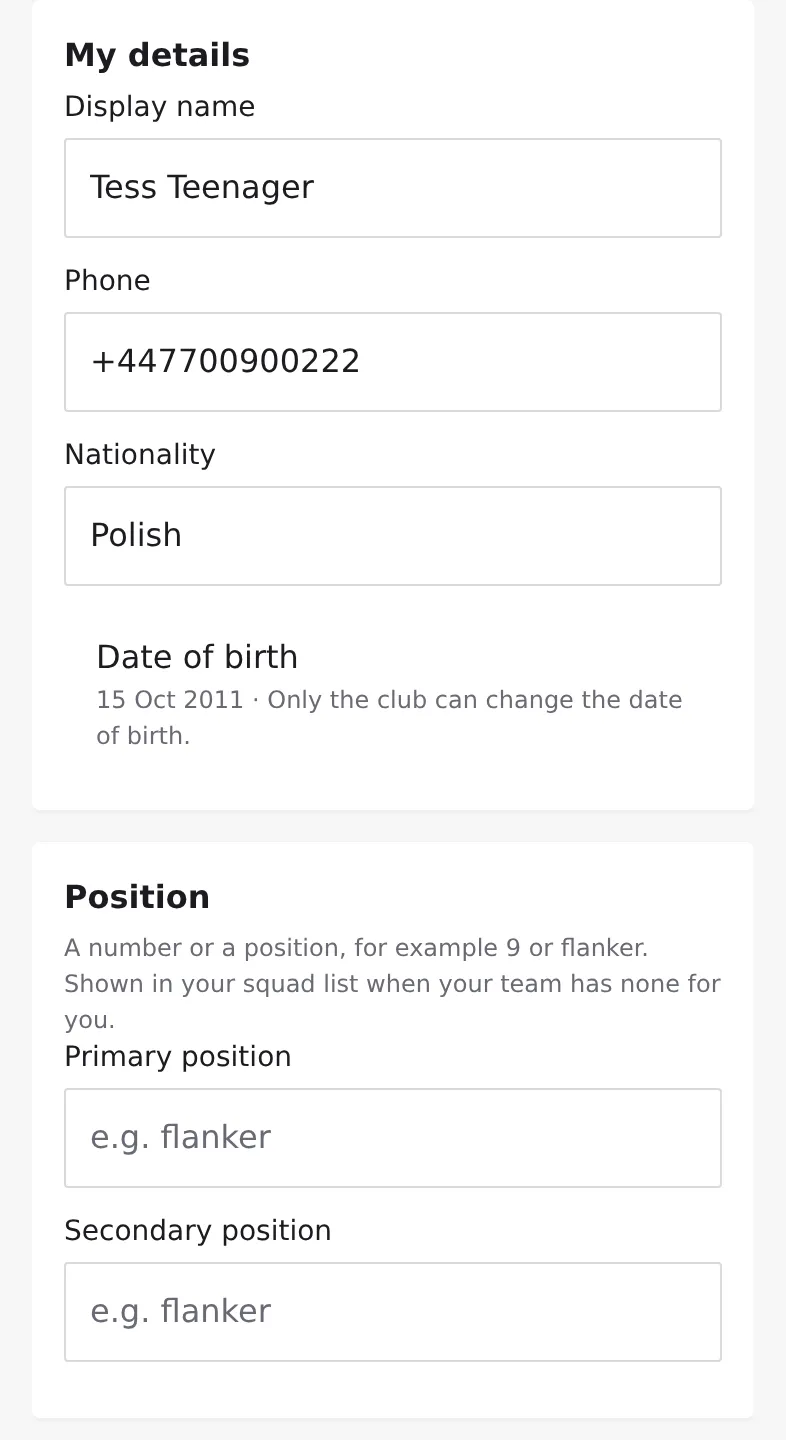
- Under My details, change your Display name, Phone or Nationality.
- Set your Date of birth if it's empty. You can set it once; after that only the club can change it.
- Under Position, fill in Primary position and, if you like, Secondary position: a number or a position, for example 9 or flanker.
- Under Emergency contact, add a contact name and phone, and any Medical notes your coach should know.
- Tap Save changes.
Who sees what
- Other members see your name, photo (only if you allow it in the app, see Decide how your photos are used), your squads and your positions.
- Your phone, emergency contact, medical notes and nationality are only for the club's owners and admins and the coaches of your own teams.
- Your primary position shows in the squad list when your team hasn't set a position for you. On the club's public website it appears only if you allowed the club website.
Language
Under Language, choose English, Deutsch or System. This also sets the language of the notifications and emails you get from your club.