Respond for your child
Answer training sessions and matches on behalf of your child. Guardians who manage a child can do this.
- Open Home. Under Needs your attention, each event carries your child's name.
- Tap Going, Maybe or Can't go.
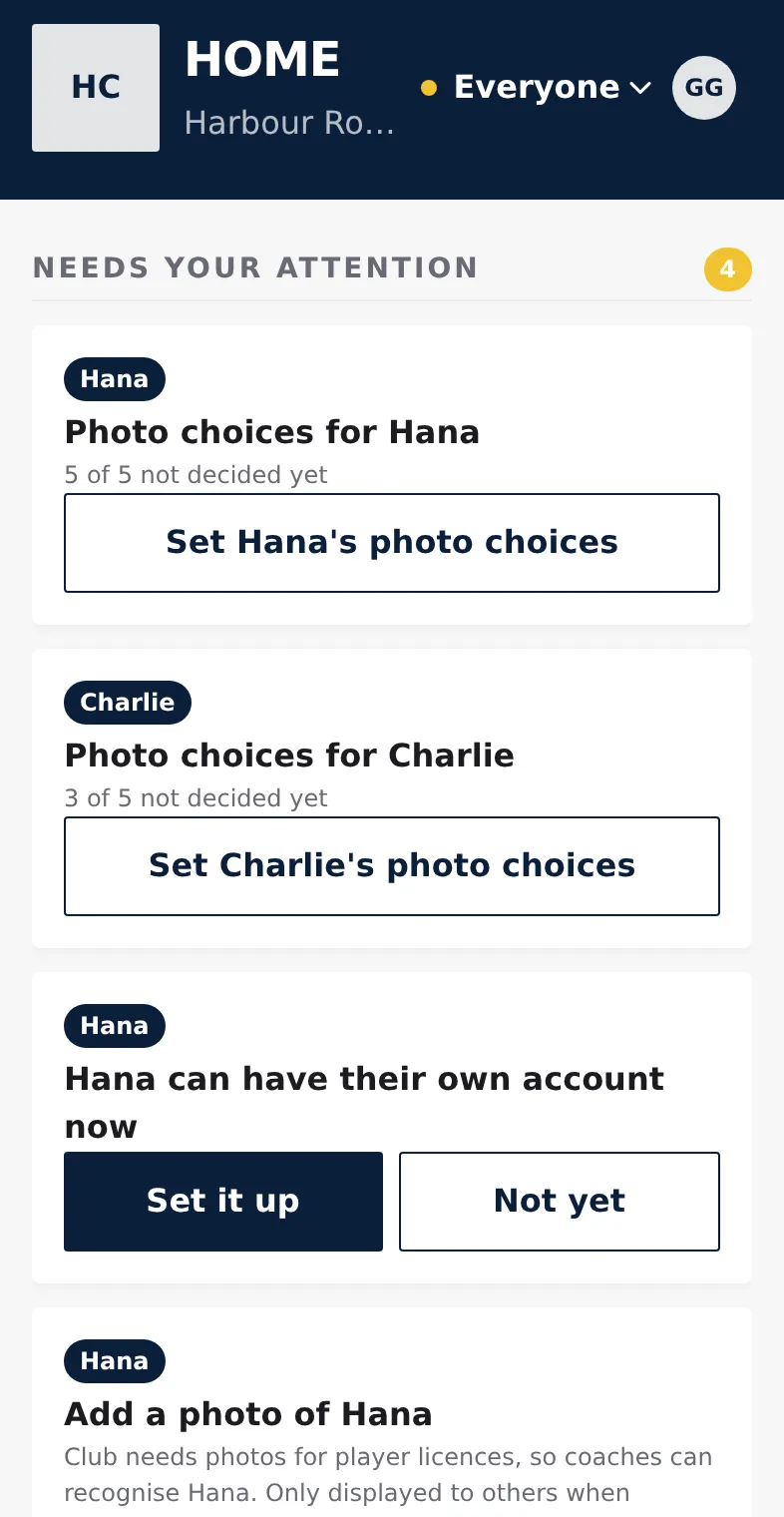
Choose whose events you see
At the top of Home, Schedule and Team there's a person menu, set to Everyone. Tap it and choose one child (or Me, if you're a member yourself) to see only their events and squads. The app remembers your choice. With one child and no membership of your own, the app shows the child's name instead of a menu.
Matches and News always show the whole club.
On the event
Open an event to see Your answers: one line for each person you can answer for. A child who isn't part of the event shows "not in this event". After answering you see who answered, for example "Going · by you".
When two of your children are in the same event, Home and Schedule show it once with both names.
When your child manages their own account
After the handover (Hand over the account) your child answers for themselves. You still see their answers, but you can't change them. The person menu marks the child with "view only".