Hand over the account to your teenager
Let your teenager take over their own profile, answers and photo choices. Guardians can start this once the child reaches the club's handover age (14 unless the club set another age between 12 and 17); club admins can start it too.
- When your child is old enough, Home shows "… can have their own account now". Tap Set it up. (Or open More → Family, tap the child and go to Own account.)
- Enter your child's own email address.
- Tap Send invitation.
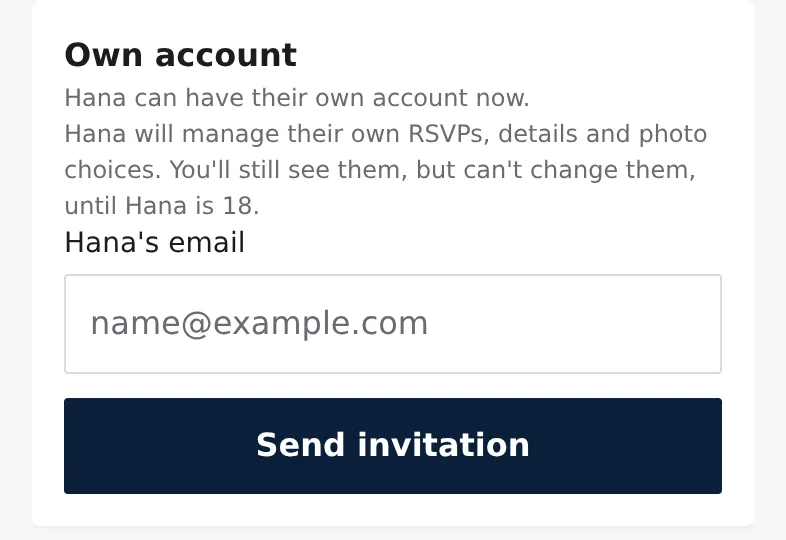
The profile shows "Invite sent to …" with Resend and Cancel invitation. Tap Not yet on Home to be reminded again in six months instead.
What your teenager does
- They open the email "Take over your … profile on Clubkit" and tap the link.
- They sign in or create an account with that email address and tap Take over my profile.
- On the welcome screen they tap Check my photo choices. Your choices are filled in; they tap Looks right or change what they'd like.
Their history (trainings, matches) stays.
What changes for you
- Your teenager answers events, keeps their details and decides about photos.
- You still see everything, but can't change it. The child shows "view only" in the person menu and in Family.
- You still get club news, and a notice when one of their events is moved or cancelled. Requests to answer go to your teenager.
- At 18 your guardian link ends, and you get one email.
If your teenager deletes their account before 18, the profile goes back to you. A guardian can't take control back otherwise.